



Latest Version
4.66.26.816970505
November 04, 2025
Google LLC
Communication
21 MB
1,000,000,000
Free
com.google.android.contacts
Report a Problem
More About Contacts
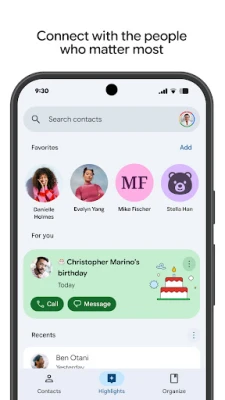
With its clean interface and deep integration with Google services, you’ll never lose an important number again. Whether you’re moving to a new device or managing thousands of business contacts, Google Contacts ensures your information stays secure, up-to-date, and easy to access anytime, anywhere.
Key Features of Google Contacts
1. Seamless Synchronization
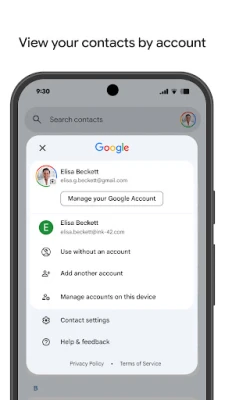
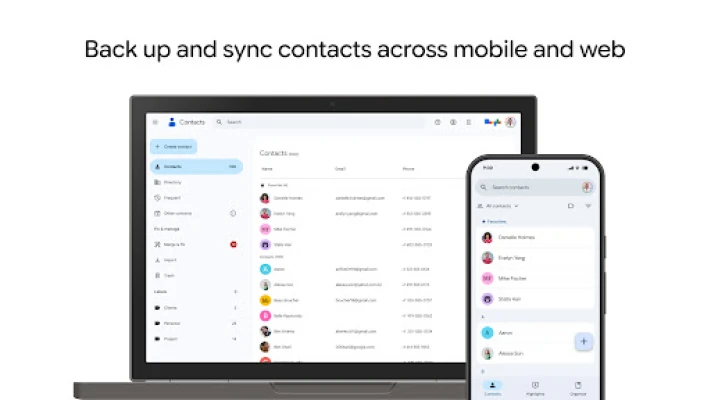
All your contacts are automatically backed up and synced to your Google Account. Any changes you make — such as editing a name or adding a new number — appear instantly on all devices linked to your account.
2. Simple and Clean Interface
Google Contacts features a modern and intuitive interface that makes organizing your address book effortless. The design is lightweight, fast, and free of clutter, ensuring quick access to details whenever you need them.
3. Merge Duplicates Automatically
No more confusion over duplicate entries. The Contacts app automatically detects and merges duplicate contact details, helping you maintain a clean and accurate contact list.
4. Smart Contact Suggestions
The app can suggest updates to contact information, like phone numbers or emails from your recent messages and calls. You’ll always have the latest details without manually editing.
5. Integrated with Google Workspace
Contacts connects smoothly with other Google apps such as Gmail, Google Calendar, and Meet. When you email someone or schedule an event, their information appears automatically from your saved contacts.
6. Backup and Restore
Never lose your data again. Even if you lose your device, you can instantly restore all your contacts just by signing into your Google Account on a new phone.
7. Easy Contact Sharing
Need to share a contact with a friend or colleague? Contacts makes it quick and secure to share contact cards through email, messages, or other apps.
8. Dark Mode & Customization
The app supports system-wide dark mode and offers customization options for accessibility and display preferences.
Why Choose Google Contacts?
Google Contacts is not just a basic address book — it’s an intelligent contact manager that saves time and effort. From merging duplicates to syncing across platforms, everything is automated and secure under Google’s reliable cloud infrastructure.
Professionals prefer Google Contacts for its effortless integration with Gmail and Google Meet, while everyday users love its simplicity and reliability. Whether you’re switching phones, cleaning up your list, or managing client information, this app gives you complete control with zero stress.
How to Use Contacts Effectively
-
Sync with Gmail: Ensure your Gmail account is linked for automatic backups.
-
Merge & Clean: Regularly review suggestions to remove duplicates.
-
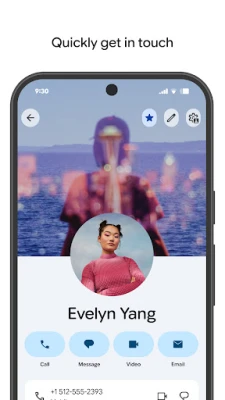
Add Photos: Personalize contacts with profile pictures for quick recognition.
-
Label Contacts: Group contacts into categories like Family, Work, or Clients.
-
Export Contacts: Download a .VCF file for easy transfer or backup.
Rate the App
User Reviews












Popular Apps













 Games
Games Entertainment
 Communication
 Security
 Tools
Tools Media
Media Finance
 Android
 iOS
iOS Windows
 Mac
Mac Linux
Linux